
Southern PinesMPR
Equipment
Where each piece of gear is and how it works.
Room Lights
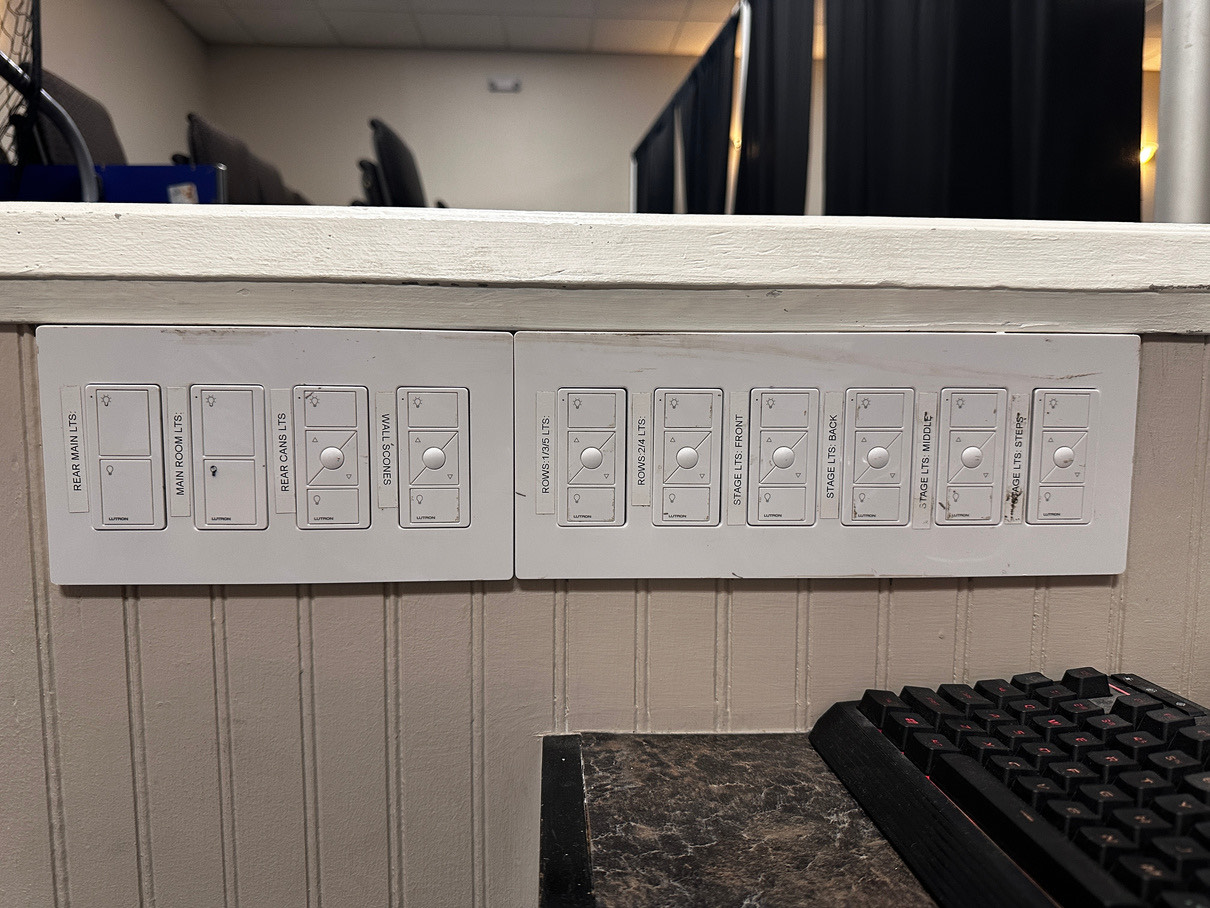
Each switch is labeled with the area it controls. Try them before the event starts so you know what each one does.
Stage Lights
The lighting board triggers lighting cues. Each cue is a group of scenes, and each cuelist is a group of cues.
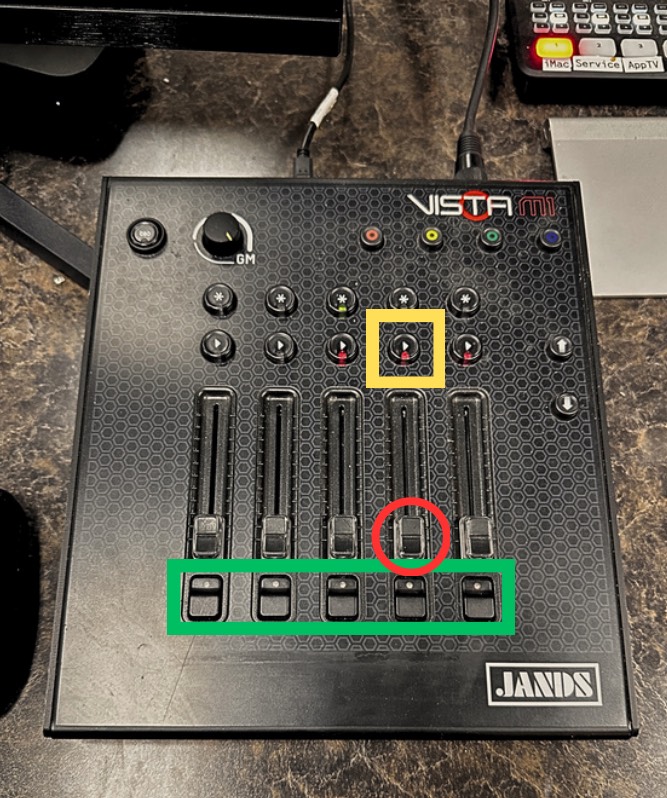
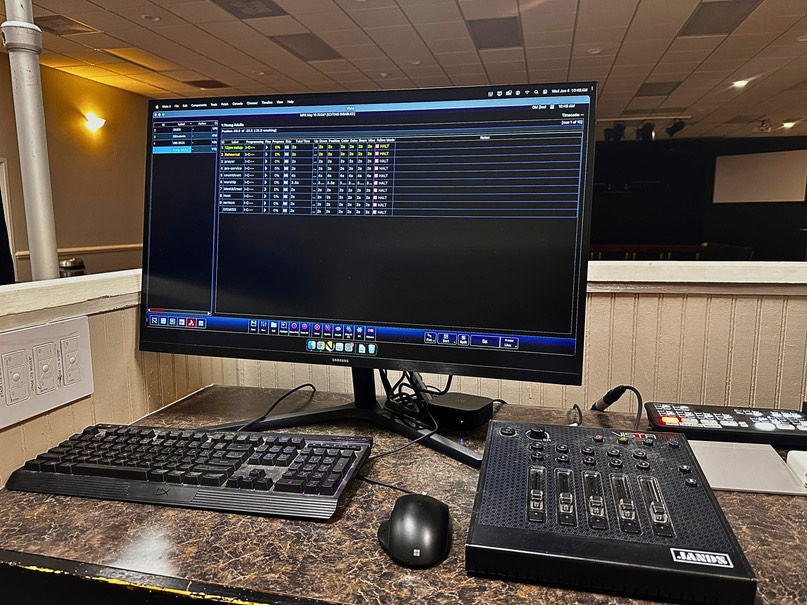
- Cuelist fader
Sets the brightness of every light in that cuelist. It has to be all the way up for the lights to show.
- Cue a scene
Press play to start a cuelist or move to its next cue. The cuelists are gKids, GStudents and Young Adults. Green means the cuelist is on, red means it’s off, and the fader decides whether you can see it.
- Release a cuelist
The button under each fader releases that cuelist, which turns its scenes off.
“Just as a body, though one, has many parts, but all its many parts form one body, so it is with Christ.”1 Corinthians 12:12 NIV
Side Screens
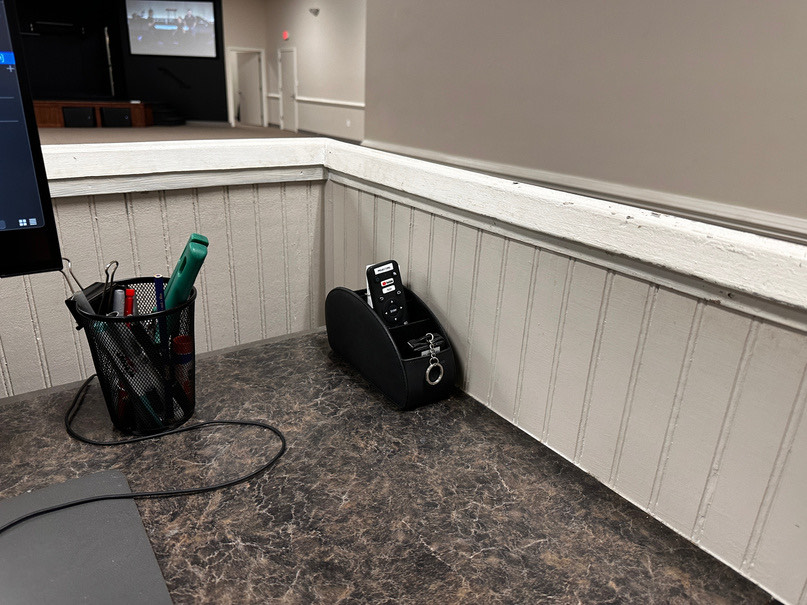
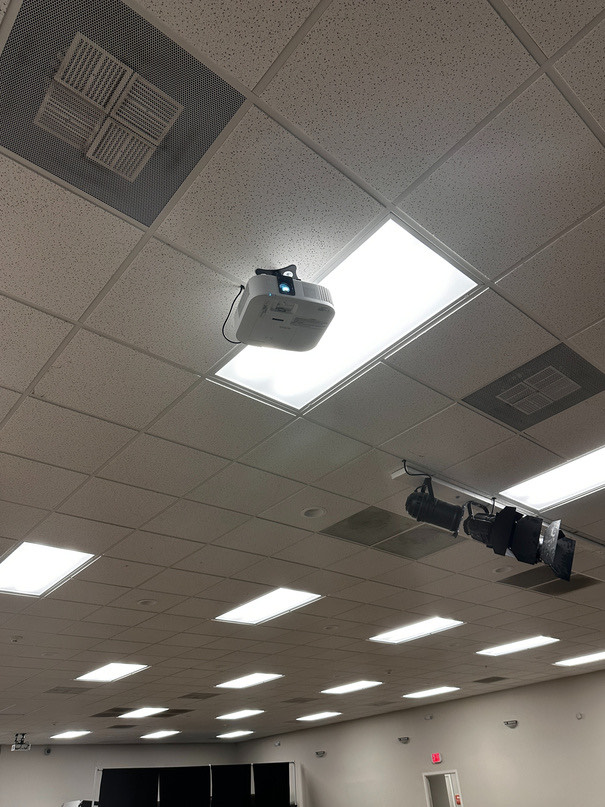
The two projectors at the front of the room run the side screens. Their remotes are in the remote caddy.
The small blue light on each projector flashes when it turns on or off.
Rear Projector
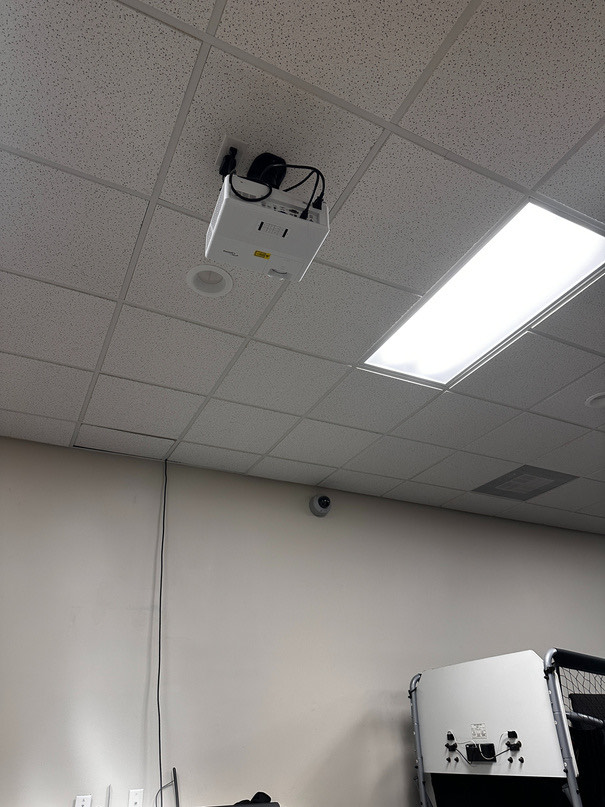
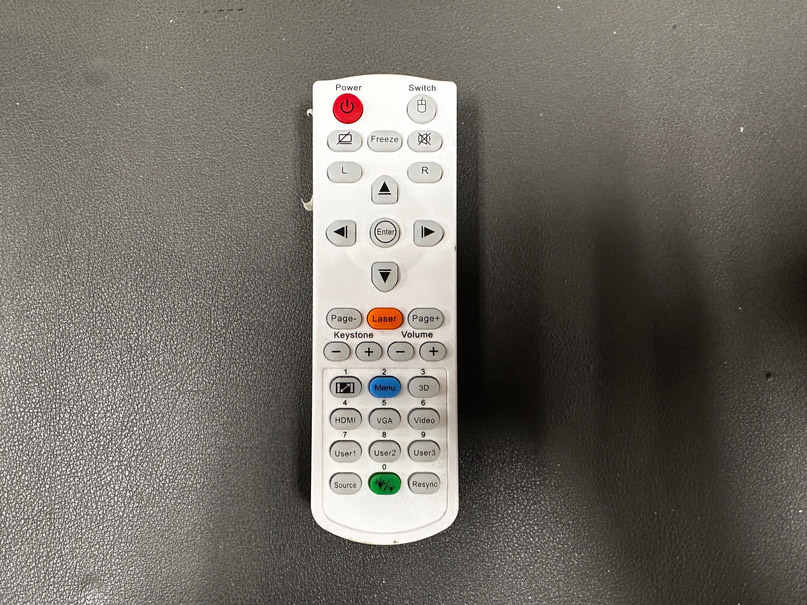
Runs the confidence monitor, where lyrics and upcoming slides show for teachers.
Use its own remote. To turn it off, press Power once, then again to confirm.
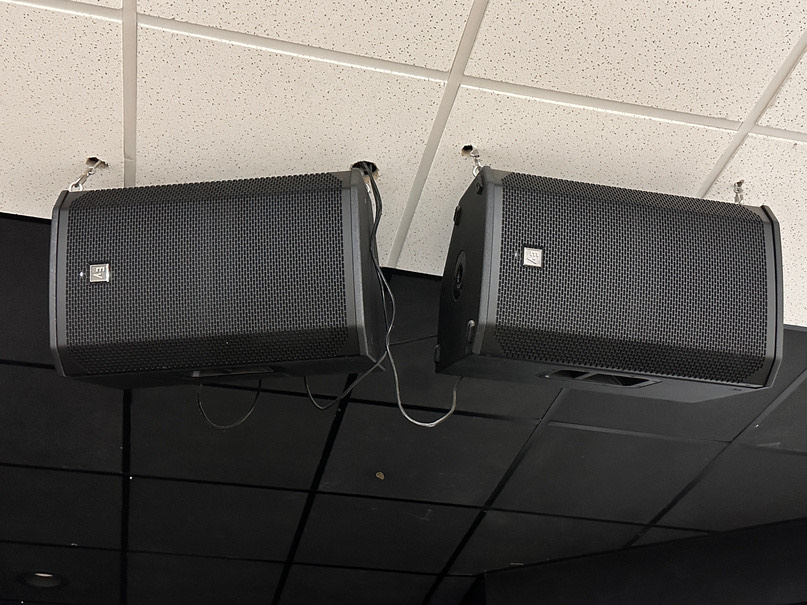
P.A. Speakers
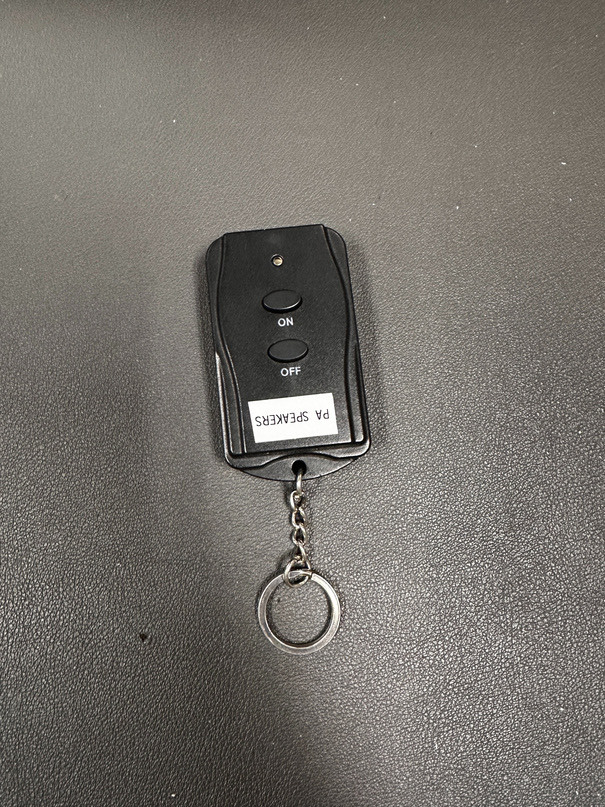
Use the remote labeled P.A. Speakers. Only one speaker in each pair has a light, and it shows whether the pair is on.
Soundboard
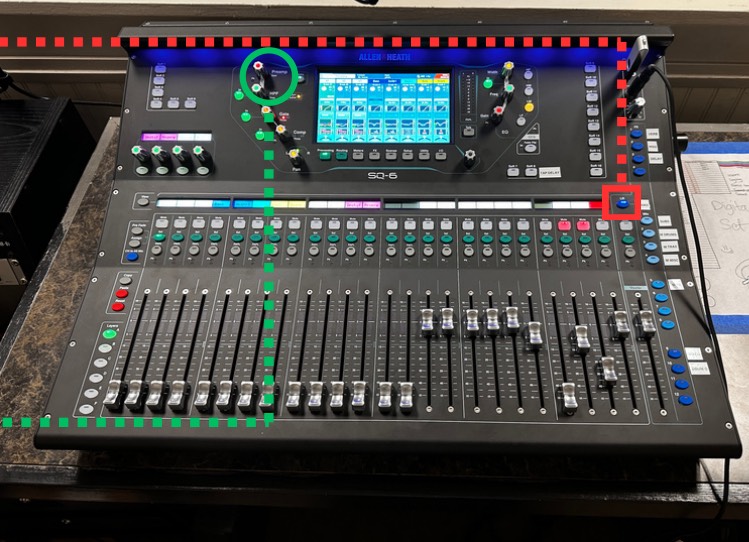
The SQ-6 mixes everything you hear in the room. If you’re not sure what a control does, ask before you change it.
- LR button
Keep the blue LR button lit. If it’s off, you aren’t mixing what comes out of the speakers.
- Preamp gain
Raise it a little at a time, and only when you need to.
“Whatever you do, work heartily, as for the Lord and not for men, knowing that from the Lord you will receive the inheritance as your reward. You are serving the Lord Christ.”Colossians 3:23–24
Something not working?
Email the Production team and tell us what you see.